

The secret to making your posts go viral is relatable content. When your content is relatable enough to bring on an insane amount of engagement, you’ve discovered the sweet spot. But you’re probably wondering how to tackle the first part of presenting relatable content. You’ve tried it all and nothing seems to bring on the level of engagement you want. Well, don’t worry, I’ve got you covered! I am going to share 3 Cavna templates to make your posts go viral, or at least get you on the right foot towards instant engagement. Sometimes all you need is a little help in the presentation department and these Canva templates are fire!
All you’ll need to do is create a Canva account and log in to access these templates! Once logged in, go find these templates by simply typing the search words in the Canva search bar. Plug in your branding, content, and post that baby! Keep reading for template searches and post ideas…
The Search Bar Post
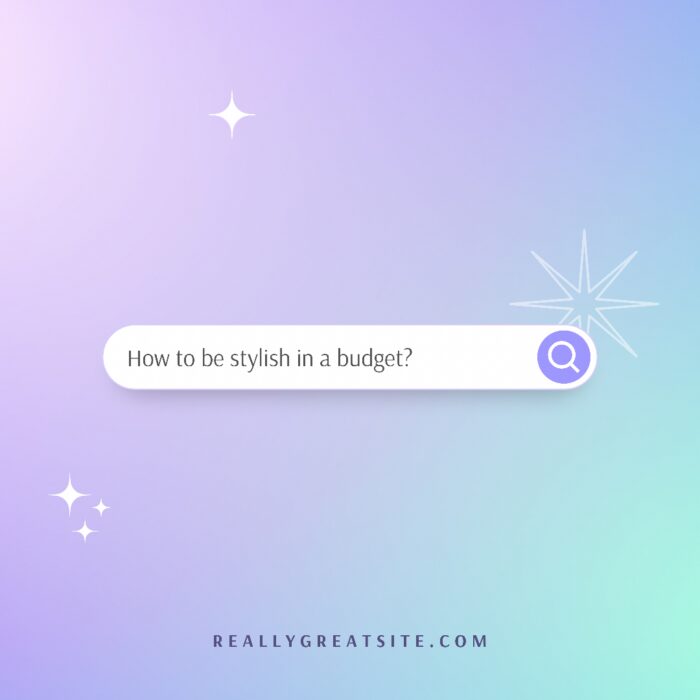
The search bar post is a great way to explain a topic to your audience. If there’s a trending subject or commonly asked about topic you know they want to learn more about, throw that into a search bar post and give them a thorough answer!
If you need a little nudge for content ideas for your question box, do some research around your industry, find out what some of the pain points are, and provide your audience insight and answers.
Take this opportunity to offer free information- because who doesn’t love free (applicable) info?! Lastly, end the post with an engaging question that prompts them to engage in the comments.
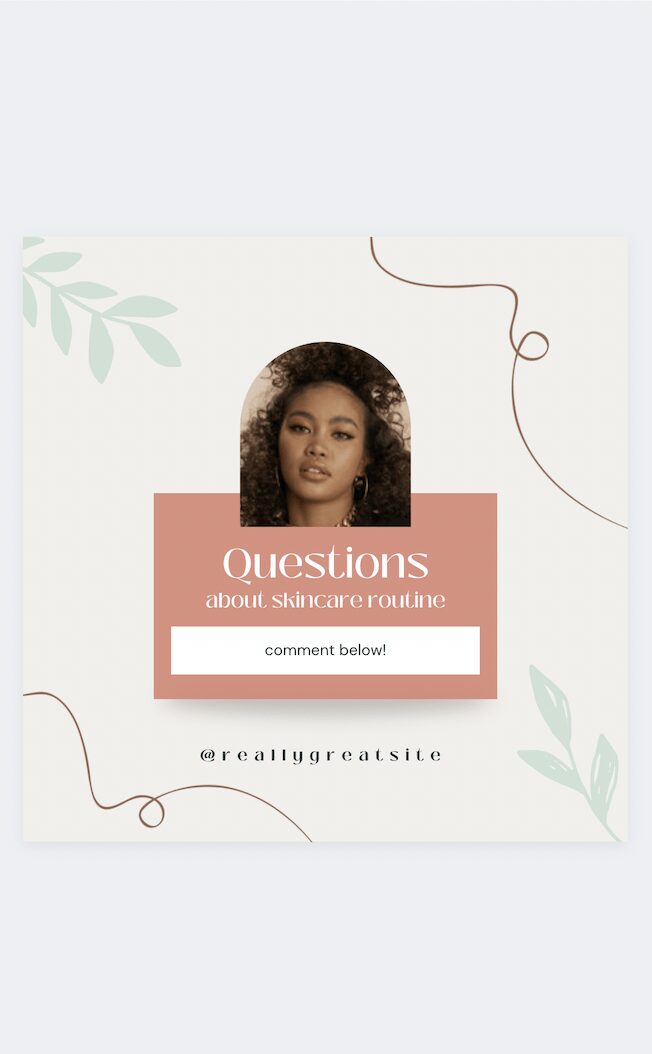
The Question Box Post
The questions box post is one of THE BEST ways to fill your content idea bank! You get to straight-up ask your audience what they want to hear from you or learn more about.
Through questions, you can gain insights about your audience that can aid in making business decisions. Even your Instagram followers are likely to feel that their voices are heard, and their opinions are taken into consideration when you use this method of posting.
Ask your audience to ask you questions and engage with them!
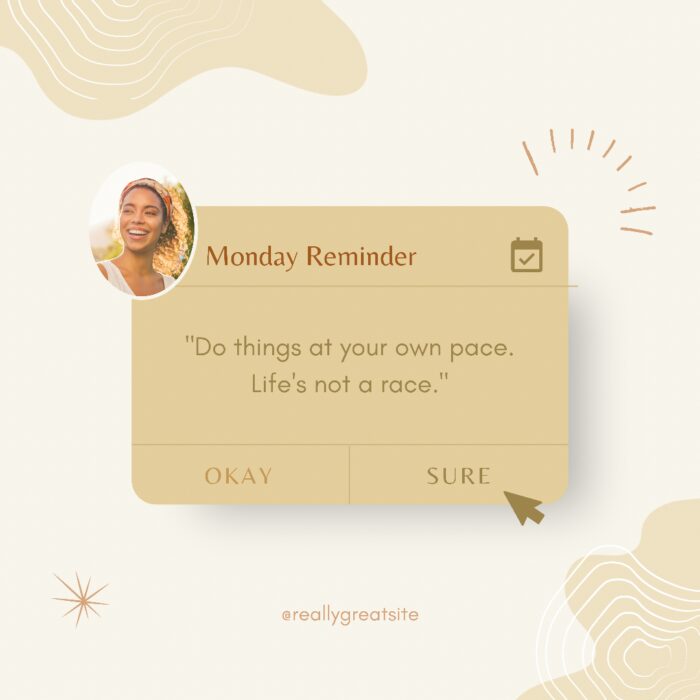
Reminder Post
Reminders are such a natural way of life for most people so a reminder post is a great way to add a casual, conversational touch to your feed. If you spend enough time on social media you’ll definitely run into this kind of post where a brand makes a quote stand out by simulating a phone and some kind of message alert.
Search this Canva template, tweak it to match your brand visual style, and remind your audience of something that you believe in or something you’ve been dying to share with them.
Finish up the graphic/post by asking them to share if they agree and spread the word. Got a message in mind? Let’s get to work!
I hope these simple template designs can be used to empower you as an entrepreneur or influencer by giving you the boost you need to level up your engagement. In addition to these 3 templates, Canva has many more post engagement templates that you can also use to make your posts go viral!
What are your favorite engagement templates to use? Which would you recommend to first-time template users? Tell me in the comments!
Love,
Monica
These ideas are super helpful. I think any post that invites the viewer to interact with you will help with engagement. I’m a copywriter/ marketer and I always get stuck for ideas because my content isn’t really ‘visual’ so I’ll try these. Thank you 🙂
so true! Thanks for your comment.